Skip to content

ESP32-S3 touch display

Your ESP32 display, your van's control panel

VanMotics is firmware for square ESP32-S3 touch displays, 480×480, about $40. Install it from your browser. The display becomes the control panel of your van, truck camper or 4x4: battery, solar, tanks, fridge and lights on one screen

ESP32-S3 · 4" 480×480 touch · $49 once · Works offline

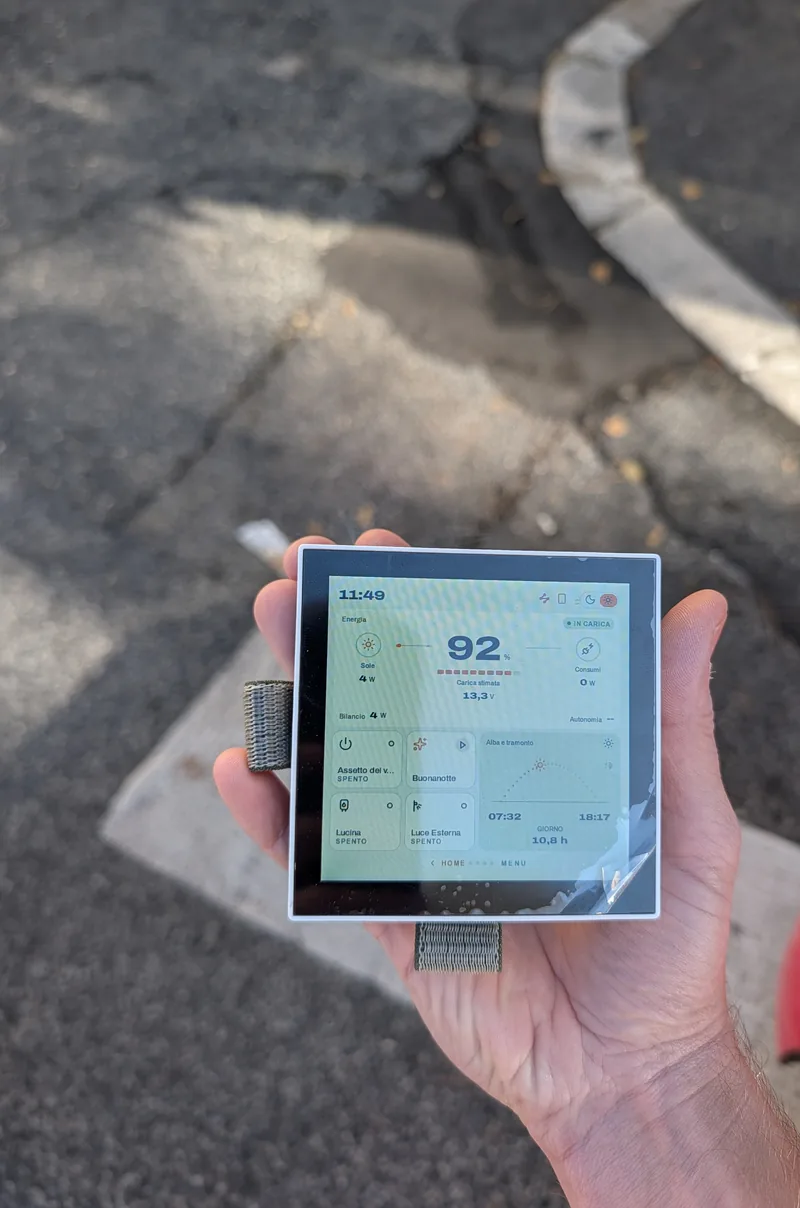
A hand holds the square VanMotics touch display outdoors, showing the Home page with the battery at 92 %

Which display

The ESP32 displays that work

  • Waveshare ESP32-S3-Touch-LCD-4B

    4" 480×480 touch, USB-C, a buzzer and a tilt sensor for the level. Zigbee through a USB dongle. About $34 from Waveshare

  • LilyGO T-Panel S3

    4" 480×480 touch with an ESP32-H2 for Zigbee on board, and RS485. Powers from 7–24 V, straight from the van. About $56–59 from LilyGO

  • Not the T-Panel Lite

    The Lite version (H702) has no touch, no Zigbee and no RS485. It is the one you often find on Amazon. Check before you buy

What it becomes

What the display does in your van

  • Battery and solar

    Reads Victron solar chargers and battery monitors over Bluetooth (unofficial, not affiliated). Charge, what comes in, what goes out, how long it lasts

  • Lights and relays

    Lights, the water pump and small loads through Zigbee relays or a relay board. One tap each, or a rule

  • Zigbee sensors

    Doors and lockers, temperature, humidity, smoke and gas

  • Rules and alerts

    Things that happen on their own, and an alert when something needs you. All on the display, no server

How it works

From the box to the wall

  1. 1

    Buy the display

    One of the two above. The hardware page lists the shops in your area

  2. 2

    Install from the browser

    A USB cable, Chrome or Edge, a few minutes. No Arduino, no ESPHome, no code

  3. 3

    Add your devices from the app

    Turn a device on, pick it in the Android app. It shows up on the screen

Questions

Before you flash it

Which ESP32 displays does VanMotics run on?

The Waveshare ESP32-S3-Touch-LCD-4B and the LilyGO T-Panel S3, both square 4" 480×480 touch displays. Not the T-Panel Lite. The hardware page has the details and the shops

Do I need to write code?

No. You plug the display into your computer and the site installs VanMotics with your license. Devices, cards and rules are set up from the app

Do I need Home Assistant or a server?

No. Everything runs on the display itself. It works with no internet: you need internet only to install, for updates and for the Agent in the app

Can I flash something else on it later?

Yes. It is your display. You can install any other firmware on it, and install VanMotics again from the site

Which display is best for a van?

The LilyGO T-Panel S3 has Zigbee and RS485 on board and takes 7–24 V from the van. The Waveshare costs less and needs a USB Zigbee dongle for Zigbee sensors

Is it finished?

No. It's a developer kit in beta, for people comfortable with electronics. It gets better with every update
Offer

Founder Key

Everything VanMotics does, on three devices, for one price

$49 One payment, for life

Included

  • Firmware for hub, van_node and van_link
  • Android app with the VanMotics Agent
  • Level, sun and solar, weather in the app
  • Every service we add, at no extra cost
  • Your founder number

Not included: the display, sensors and relays. They are sold, and warranted, by their makers

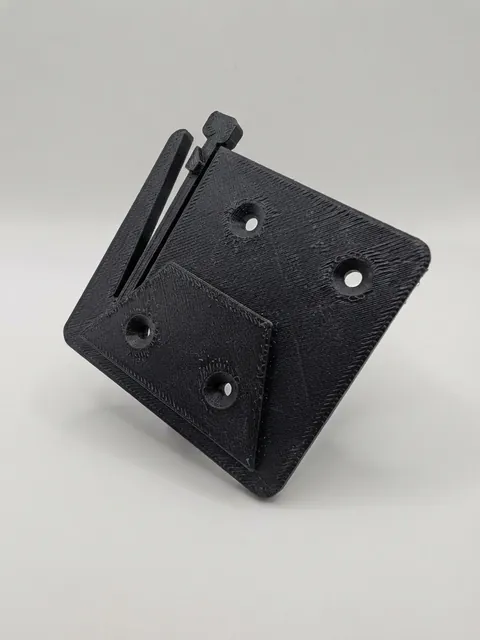
Display mounts

3D-printed, optional
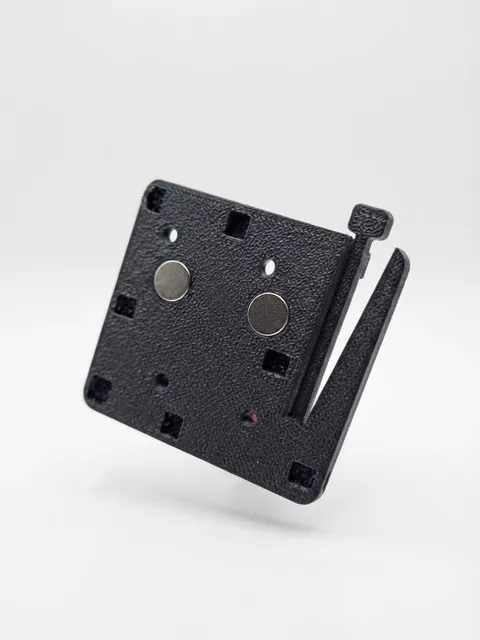
The black VanMotics Wall mount from the front, with the countersunk screw holes The back of the VanMotics Wall mount, with two magnets and the slots for cable ties

VanMotics Wall

Fits every VanMotics product. Three ways to fix it

  • Countersunk screws, on a panel or a wall
  • Cable ties
  • Magnets
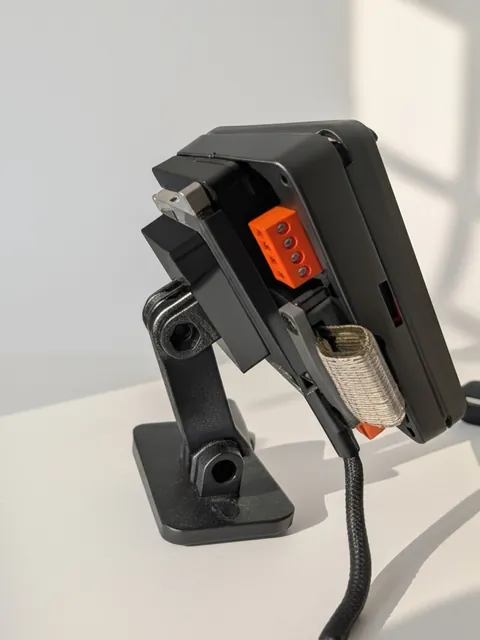
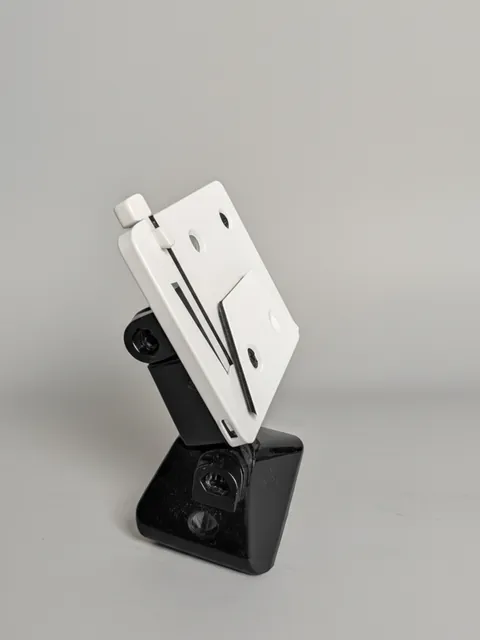
The display on the VanMotics Dash mount, seen from behind, with its cable The VanMotics Dash mount: a hinged black base holding the mounting plate

VanMotics Dash

For the dashboard, or wherever you need the screen

Your order

Founder Key
$49
No mount
$0
Total
$49

What you need

  1. A compatible display
  2. A computer with Chrome or Edge, and an Android phone
  3. The systems you already have
On request

Assembled for you

Choose what you want. We send you a quote

Display

Mount

What it controls

Channels

Sensors

Away from your rig

van_node and van_link, over LoRa

Setup

We set up devices, home and starting rules

The hardware is bought on your behalf and billed at cost. Our work is a separate line

Your order
Founder Key
$49

The shop opens soon

Leave your email to hear when sales start

Before you buy

A beta, with us next to you

Good to know

Developer kit, beta

For people comfortable with electronics. It is not a finished consumer product and not a safety device. You install and use it under your own responsibility. The hardware is sold, and warranted, by its makers.

This software is a beta

A relay can switch on or off by itself. Connect only loads that cannot cause damage if they switch on or off unexpectedly.

Mandatory limits of use

  1. Low-voltage DC only, 12 or 24 V. Never switch 120/230 V AC through the relays controlled by the kit.

  2. Not for anything safety depends on: heating, gas, bilge pumps, medical devices, fire or smoke alarms, locks, driving functions.

  3. Control only loads within the rating declared by the relay manufacturer, always protected by a suitable fuse installed upstream.

  4. Display, wireless sensors and Victron reading you can set up yourself. Batteries, vehicle wiring, relays with loads, circuits over 10 A and any AC: use a qualified installer.

Unofficial plug-ins

Plug-ins for products of other brands are unofficial. VanMotics is not affiliated with these manufacturers. They are provided with no guarantee that they work and apply to the models listed. A firmware update from the manufacturer can break them.

Terms of sale and license